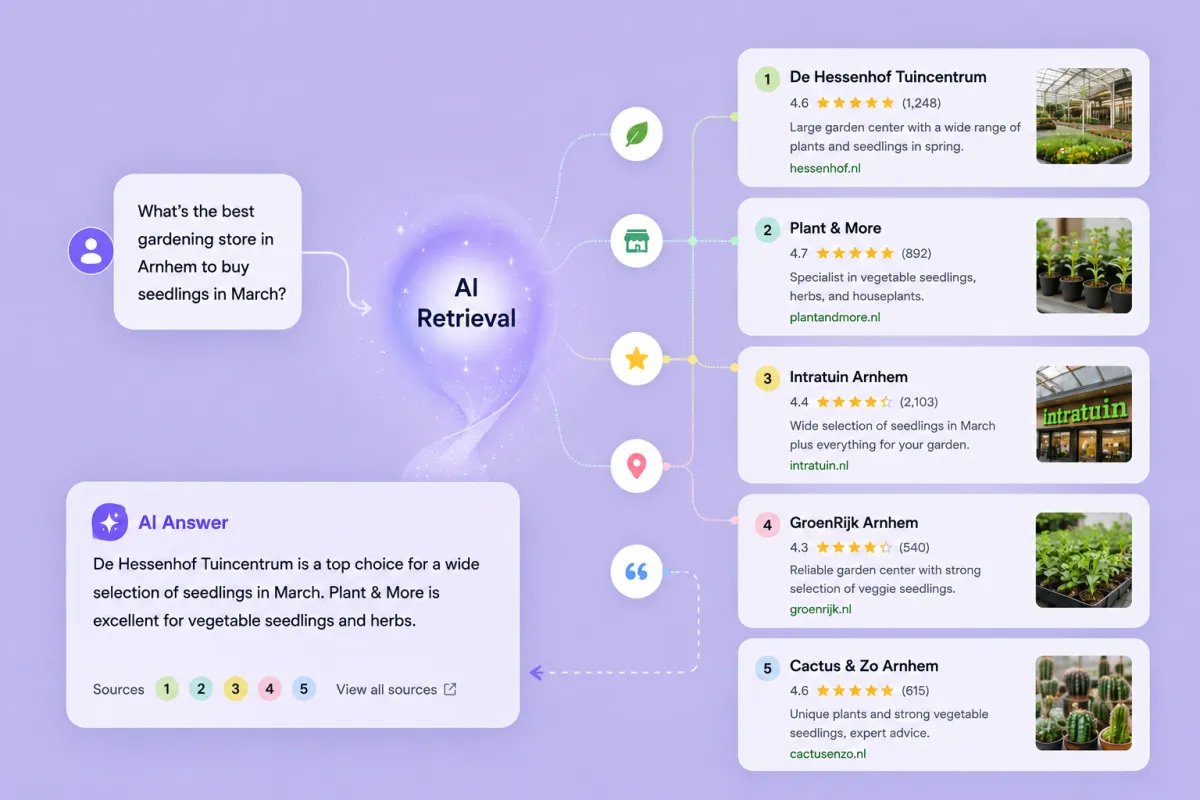
Someone asks ChatGPT or Claude for “a good physiotherapist in Utrecht.” The AI reads websites and decides who to recommend. Then a real person clicks through and decides whether to book. In this scenario, there are now two online shoppers to optimize for: one machine, and one human.
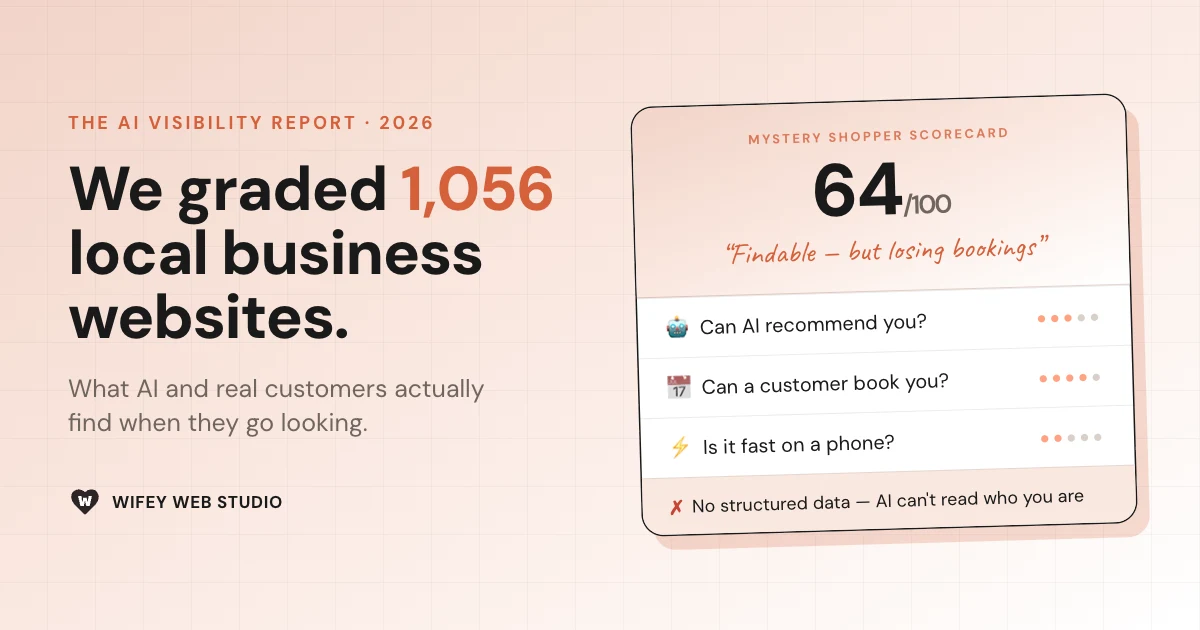
So I conducted an experiment. I ran 1,056 independent local business sites across twelve trades and four Dutch cities through the same twenty checks, grouped into the five things those two shoppers care about:
- Can AI read you
- Can Google find you
- Do you look trustworthy
- Can someone book you
- Is the website fast on a phone.
The results showed that almost all local, service-based businesses are getting the basics right for Google search, but there are some notable gaps leaving potential clients on the table. Read on to learn the full picture.
1. Can AI read and recommend you?
Increasingly, GenAI runs live web searches to give and retrieves the top-matching pages it finds. Two things decide whether you make the cut: whether the AI can understand your page, and whether it can reach it. Most local businesses fall down on understanding:
- 52% of all sites in the study have no structured data — no machine-readable statement of what they do, where they are, or when they’re open. That’s the layer search engines rely on to categorize you, and search is the gatekeeper: if the engine has to guess whether you’re a physio or a plumber, you slip down the shortlist the AI picks from, and may never enter the conversation at all.
- 71% have no FAQ or answer-shaped content — 71% have no FAQ or answer-shaped content on their homepage (we checked homepages only — but for small local sites, the homepage is typically the page AI search retrieves). This is an easy win since it’s the type of content an AI favors for retrievability.
- 19% serve their content as JavaScript only, with little real text in the raw HTML making it near-impossible for an AI to read at all (increasingly common with websites vibe-coded on platforms like Loveable… not throwing any shade here!).
Those three govern whether a live search can understand and cite you. One step before that, is the question of whether an AI bot can even access your website in the first place:
- 16% block at least one AI crawler, almost always ClaudeBot (15%)
- In 92% of cases, the blocking happens at the server or CDN level (a hosting default, a security plugin, a Cloudflare toggle), not in robots.txt where an owner would set it on purpose, meaning that many websites may be unintentionally blocking bots without realizing.
Luckily, since ClaudeBot is a model training crawler, blocking it does not stop Claude from finding and recommending you when someone searches in a chat. The bots that feed live AI answers are rarely blocked at all:
| Crawler | What blocking it costs you | Blocked |
|---|---|---|
| ClaudeBot | Out of Claude’s training data | 15% |
| GPTBot | Out of ChatGPT’s training data | 10% |
| OAI-SearchBot | Out of ChatGPT’s live search | 6% |
| PerplexityBot | Out of Perplexity’s results | 3% |
| ChatGPT-User / Claude-User | Can’t read your page live in a chat | 2–3% |
2. Can Google still find you?
Yes, almost resoundingly. 98% of the sites in this study are properly indexable; only 2% had a noindex tag or blanket block keeping them out of search entirely.
The real problem is what Google finds when it gets there.
- 9% have a weak or generic page title (“Home”, “Untitled”). That title is both the strongest on-page ranking signal and the headline of your search result. “Home” competes with nothing and tells the potential customer nothing.
- 34% have no meta description — so Google writes one for them, grabbing whatever text it deems relevant. A third of these businesses let an algorithm improvise their first impression.
- 16% have no sitemap, so deeper pages — the service and pricing pages that actually win clicks — may take longer to be discovered, or get missed.
Your search result is a two-line pitch for your business. A third of local businesses are letting a machine write it (which is great news for the ones who don’t).
3. Do they look trustworthy in five seconds?
Five seconds is roughly what a new visitor gives you before deciding whether to stay, and the same test happens when your link lands in a WhatsApp group.
The good news: the technical box is ticked. 96% are on HTTPS — no scary “not secure” warning in the browser bar. The trust problem isn’t in the padlock. It’s in everything a human actually looks at.
- 51% have no proper OG image — the preview card that appears when a link is shared. Pasted into WhatsApp or a DM, half of these sites show up as a grey box with a bare URL. That’s wasted real estate to make a strong first impression.
- 34% have no
<h1>. This is the tag that names a page’s main heading. The words may look like a headline on screen, but to Google and an AI deciding what the page is about, there’s no headline there at all. One more page that reads fine to a person and blank to a machine. - 19% had an outdated copyright year in the footer giving a “nobody’s home” kinda vibe
- 18% show no reviews or social proof anywhere on the page.
4. Can a customer easily book you?
The most emotionally charged theme in the whole study, and the weakest set of results. This is where “traffic but no calls” comes from.
- 51% have no tappable phone number. On a phone, half of these businesses can’t be called with one tap: the number is an image, or plain text, or missing. For local service businesses, this is the most costly miss in the study.
- 61% show no opening hours on the page — a top reason people bounce.
- 47% read like a brochure — no clear offer, no pricing signal, no obvious next step. A beautiful site that never asks for the sale.
- 14% have no obvious Book or Contact button high on the page.
- 8% show no address or map.
If you fix one area, fix this one. Everything else gets a visitor closer; this is where they give up.
5. Is it fast on a phone?
This is where local search actually happens and it’s where almost everyone is mediocre. The culprit is usually the setup: a WordPress theme with a stack of plugins, or a Wix or Squarespace site left on its defaults, unoptimized images and all.
Your visitors include people on 4G in a parking lot, and slow pages measurably lose them before they load. Speed also feeds Google’s rankings through Core Web Vitals — not make-or-break, but between two comparable local sites, the faster one gets the nod.
- Only 17% hit Google’s “good” mobile-speed bar (80+). The average was 66 out of 100
- 12% are genuinely slow (under 50), the range where visitors give up before the page loads.
- 96% at least have a mobile viewport, so nothing looks outright broken on a phone. A low bar, mostly cleared., almost everywhere.
Speed was the one measure that didn’t vary by trade or city. It’s a flat, universal, fixable drag.
A note on businesses with no web-presence
Before auditing these websites, I first queried a larger dataset of 5,118 local businesses and found that 6% had no digital presence beyond Google My Business and 2% relied on their Google pin plus social media or third-party platforms.
One geographic pattern stood out here: the smaller the town, the more likely a business has no website at all. Small-town businesses are roughly 3.6× more likely to be missing from the web entirely.
The takeaway
Nearly every business in this study cleared the old bar: online, indexed, secure. But the game is changing. Today it’s someone asking ChatGPT for a physio; in the not-so-distant future, it’s a personal AI agent that browses on your behalf, checks the hours, compares the prices, books the appointment — and reports back with one recommendation. When that’s how customers shop, a website a machine can’t read isn’t underperforming; it’s closed.
A confession about method: twenty automated checks can’t judge whether your photos have the wow-factor or your copy is convincing. A human personally reviewing each site would learn things no script can. But ain’t nobody got time to manually audit a thousand websites, and that’s exactly the point: the AI deciding whether to recommend you doesn’t hand-review either. It reads what the machine can see. This audit measures your site the way the machines do.
Curious how you score against the benchmark? Run your own site through the same audit with Mystery Shopper — it takes a minute. And if the AI-visibility findings hit close to home, here’s how to show up in AI search with the fixes in detail.
Methodology
Sourcing. Businesses were enumerated through the Google Places API (Text Search), querying each city against each trade with both Dutch and English search terms (e.g. kapper / hair salon, fysiotherapie / physiotherapist), paginated to the API’s per-query limit. For each result we captured its name, listed website, Google business type, and address — a frame of 5,118 businesses.
Cities. Amsterdam (~920k), Utrecht (~360k), Arnhem (~165k) and Ede (~120k), chosen to span the population range. For the two trades that barely exist in a single small town (coaching, co-working), the Ede cell pooled nearby similarly-sized towns — Veenendaal, Wageningen and Barneveld.
Web-presence classification. Every business was sorted by what it had online: its own website, a social or booking-platform page only (Facebook, Instagram, Linktree, Fresha, Treatwell…), or nothing beyond its Google listing. The population-level “no website” figures come from this full 5,118 frame.
Cleaning. The deep audit needed genuine independents, so we removed national chains and franchises (any web domain appearing in two or more cities), directory and aggregator URLs, businesses double-counted across trades, and category mistags (e.g. a supermarket returned under “dentist”), flagged via Google’s own business-type field. From what remained we sampled up to 25 independent, own-website businesses per trade per city — 1,056 sites.
The audit. Each site was fetched live and run through around twenty automated checks in five areas: AI readability (structured data, answer/FAQ content, content present in the raw HTML, crawler access), findability (indexability, title, meta description, sitemap), trust (HTTPS, main-heading markup, reviews, share/OG image, freshness), booking (tappable tel: link, opening hours, clear offer, contact CTA, address), and mobile speed.
AI-crawler testing. Each site was requested once as each of seven published AI user-agents — GPTBot, ChatGPT-User, OAI-SearchBot (OpenAI); ClaudeBot, Claude-User (Anthropic); PerplexityBot, Perplexity-User (Perplexity) — and its robots.txt parsed per agent. A site counts as blocking a crawler if it returned a 403/451 or refused the connection to that agent while serving an ordinary browser request normally. Every flagged block, and every site that failed to load, was re-probed twice against a browser baseline; only blocks that reproduced consistently were counted, to rule out transient timeouts. This user-agent method sees blocking at the robots.txt, server, plugin and CDN layers; it cannot detect blocking applied to a crawler’s published IP ranges.
Speed and structured data. Mobile performance via the Google PageSpeed Insights API (Lighthouse, 0–100). Structured data detected by parsing each page’s JSON-LD for LocalBusiness / Organization schema types.
Scope and limits. The audit covers each business’s homepage only, so content on an inner page (an FAQ, a pricing page) isn’t counted. Several checks are deliberate structural proxies, not judgements of quality: “no tappable phone” means no one-tap tel: link (most of these sites do list a number, just as plain text); “no main heading” means no <h1> markup (a visitor may still see a styled headline — this measures machine-readability, not the human view). All figures are a point-in-time snapshot from July 2026; a site’s crawler access, content and speed can change at any time.